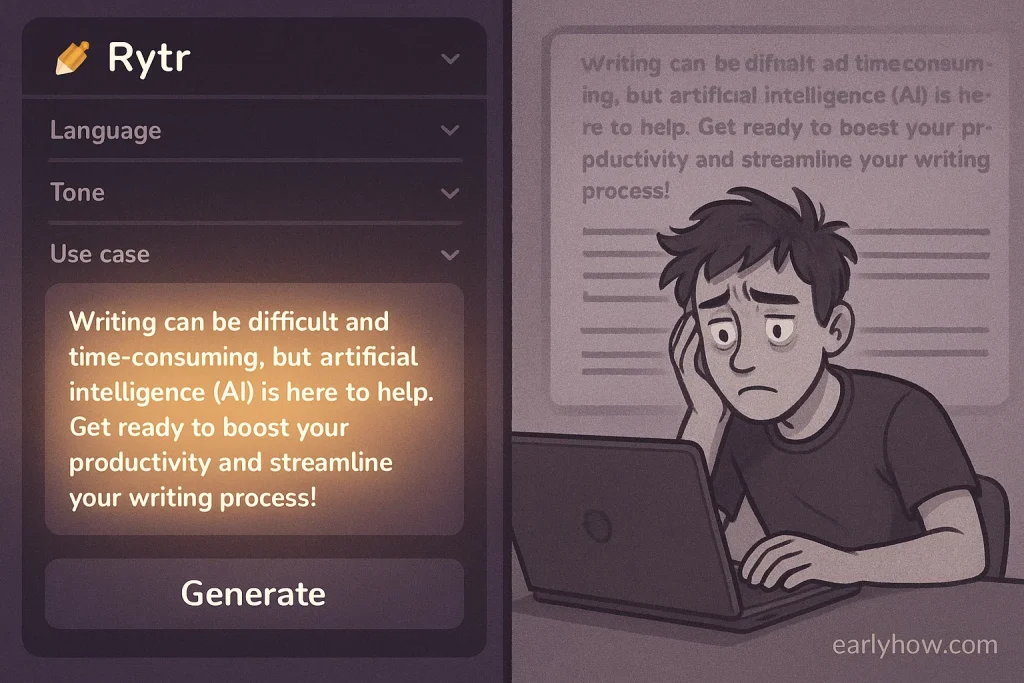
The first time I tried Rytr AI, I thought, “This is just another AI writer clone.”
I was wrong.
AI writing tools are everywhere in 2025—but few creators talk about how they actually feel to use. Most reviews list features. Few explain whether the tool fits your workflow, adapts to your tone, or just gets in your way.
This past week, I used Rytr AI on real projects: blog outlines, meta descriptions, product blurbs, and even some client emails. And the experience was surprisingly eye-opening.
Some things Rytr nailed. Others? Not so much.
→ Want to see how Rytr compares to other tools? Check out our Best AI Writing Tools for 2025 guide.
I wrote this for you—the creator who’s testing tools, chasing clarity, and trying not to get lost in the AI noise. Let’s unpack this together.
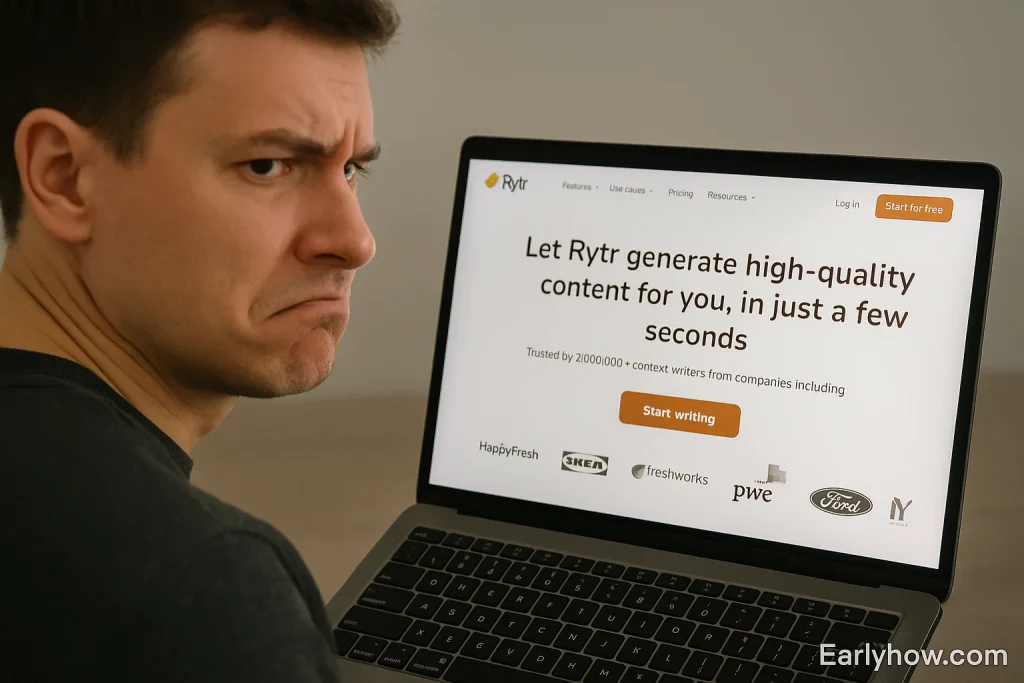
🔹 4 Lessons I Learned Using Rytr AI for a Week
Lesson #1: It’s Better at Starting Than Finishing
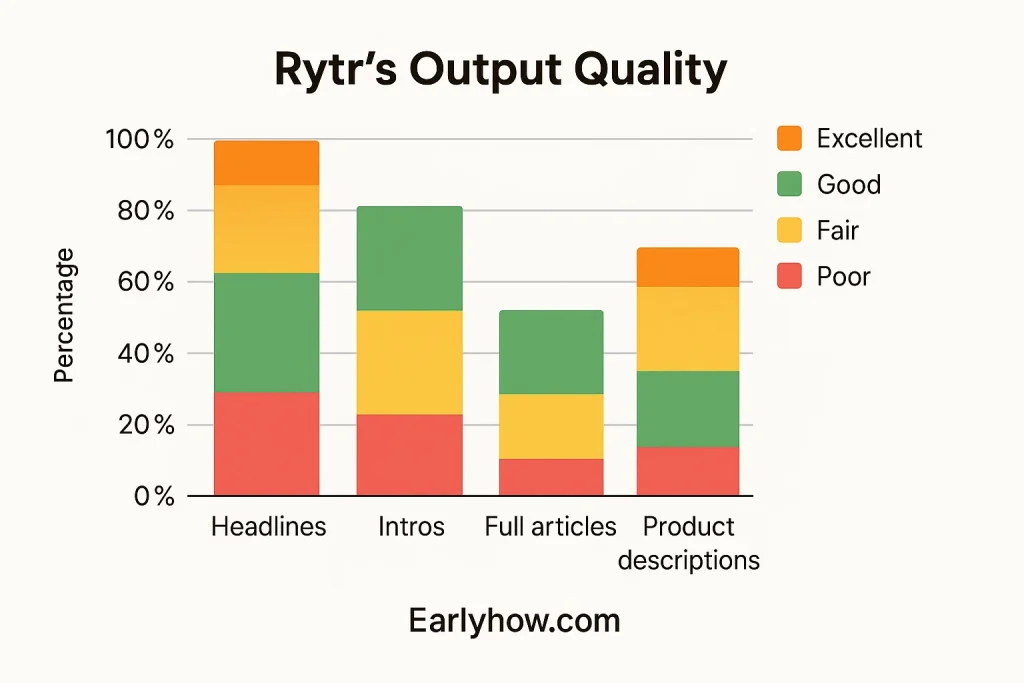
The first day, I gave Rytr a simple task: write a blog post intro about productivity. The output? Punchy, clear, well-structured.
Then I asked it to complete the whole article.
What came back felt robotic—repetitive phrasing, no clear transitions, and bland conclusions.
Insight:
Rytr excels at starting content—especially introductions, hooks, and outlines. But if you want an entire long-form piece, be prepared to edit and guide it heavily.
Lesson #2: Templates Make It Super Fast (But Also Limiting)
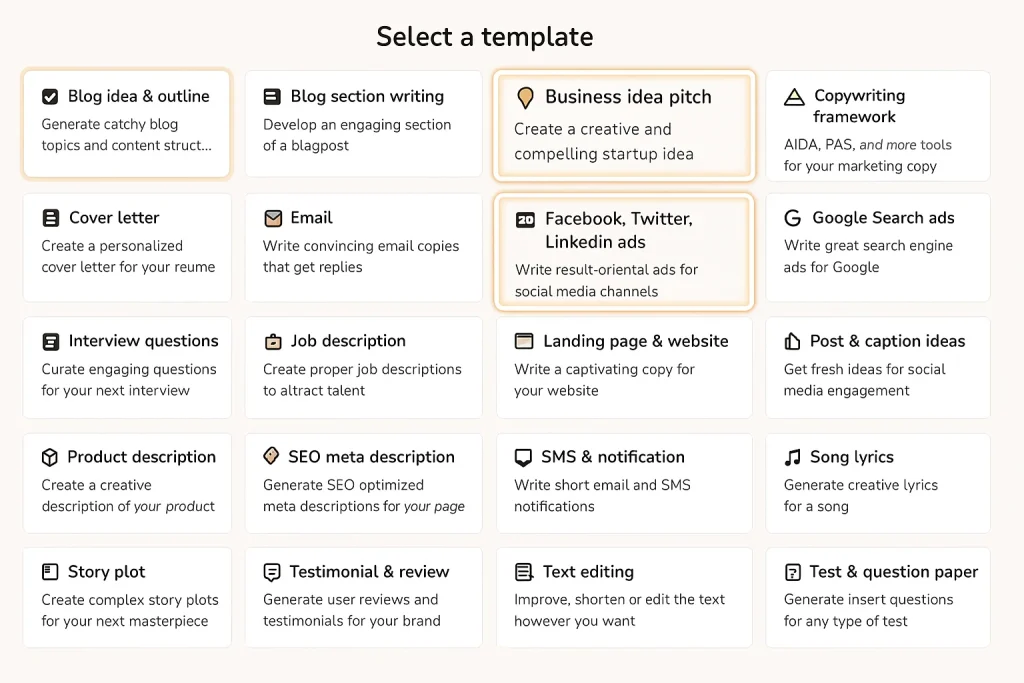
One thing I loved? Rytr’s dashboard is packed with templates. Need a product description? A job description? Email subject lines? It’s got them all.
Within three days, I had generated over a dozen quick pieces with minimal effort.
But on day four, I needed something with nuance—a persuasive paragraph tailored to my brand voice. That’s where Rytr struggled.
Insight:
Templates = speed. But for unique tone and structure, they can feel a bit boxed in. Use them to draft fast—not to define your voice.
Lesson #3: Tone Control Is Surprisingly Good
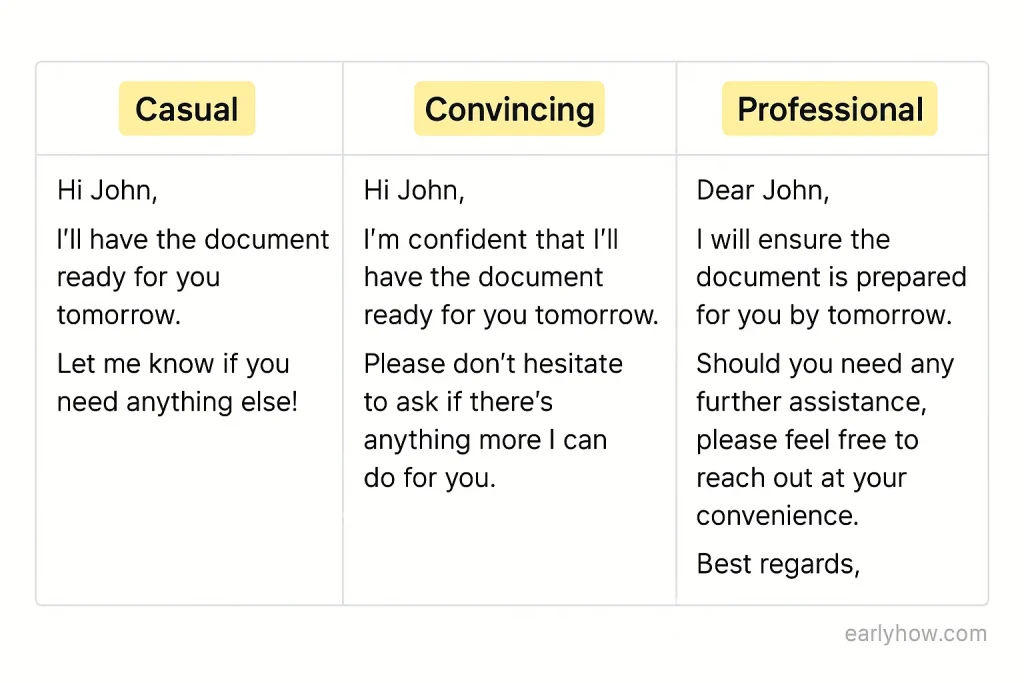
Midweek, I tested Rytr’s tone feature. I ran the same email prompt in three different styles: casual, convincing, and enthusiastic.
The differences were noticeable. And more importantly—usable. I actually sent one version to a client with zero edits.
Insight:
Rytr’s tone settings might be its most underrated asset. They’re fast, flexible, and surprisingly accurate.
Lesson #4: You Need to Be the Editor—Not Just the User
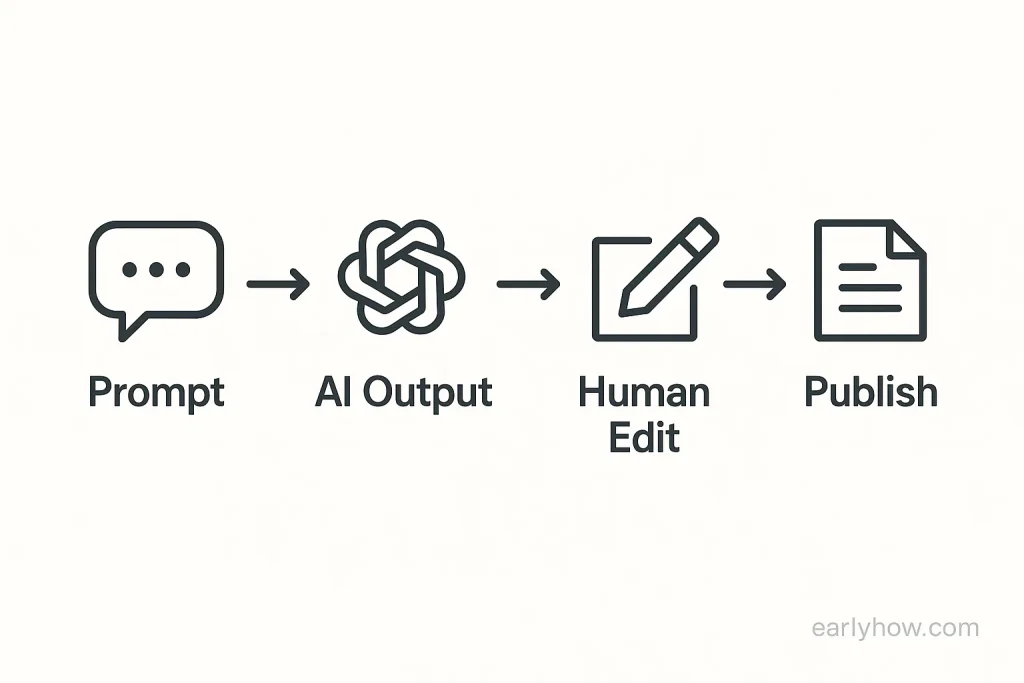
By the end of the week, one truth stood out: Rytr isn’t a full writer. It’s a very smart assistant.
Some outputs were brilliant. Others needed deleting.
Insight:
If you treat Rytr like a thinking partner—someone to draft ideas while you refine them—you’ll love it. Expect polished work with no edits? You’ll get frustrated.
FAQs
Q. Is Rytr AI good for beginners?
A. Yes. Its templates and clean UI make it very beginner-friendly.
Q. Can Rytr write long-form blog posts?
A. Yes, but it’s better used for sections. Full posts require editing and guidance.
Q. How does Rytr compare to other AI tools?
A. It’s faster than most and more tone-flexible—but less customizable than Jasper or Copy.ai.
Final Thoughts
After a full week, here’s my honest take: Rytr isn’t perfect, but it’s extremely useful.
If you want help brainstorming headlines, generating short content, or adapting tone fast, Rytr delivers. Just remember—you still need to be the editor.
Want to compare Rytr with other AI tools?
Check out our full AI Writing Tools Comparison for 2025.
💬 What about you?
Have you ever tried Rytr AI or a similar tool? What was your biggest surprise—or disappointment? Share your experience below—I read every comment.