

My Big SEO Mistake
For months, I dismissed Surfer SEO as just another overhyped platform.
“Surfing for SEO? Seriously?”
I stuck with my comfort zone: Ahrefs + Google Search Console + instinct. After all, I wasn’t new to this. I had my content processes nailed down. Right?
Then came the slap in the face.
My “Best YouTube Cameras” blog post—something I’d spent hours crafting—was dead on page 8. I mean, eight. Below Reddit threads and ancient forums. It got fewer clicks than my grandma’s meatloaf recipe blog.
The Tipping Point
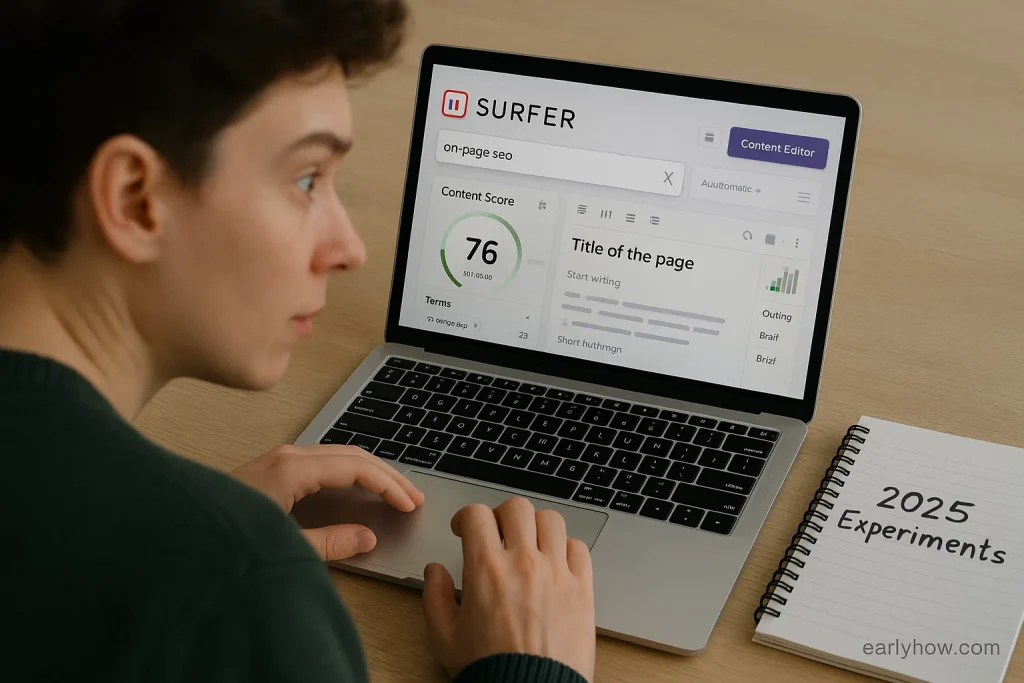
Out of desperation, I caved.
I pasted the URL into Surfer’s Content Editor, added the 12 missing terms it suggested (“vertical video shooting” stood out), made a few structure tweaks… and that’s it.
❌ No rewrite
❌ No AI fluff
✅ Just precision editing
14 days later — that post jumped to page 4 and started getting real traffic.
And then it happened again.
And again.
Post after post.
Not always four pages. But always up.
Why This Changed Everything
Here’s what most people miss about Surfer SEO:
- ✅ The magic isn’t in bells and whistles — it’s the Content Editor’s surgical focus
- ✅ It shows you exactly what high-ranking posts include that you don’t
- ✅ You don’t have to rewrite — just fill the strategic SEO gaps
It’s not about creating “perfect” content. It’s about making your good content compete.
What You’ll Discover Here
In this no-BS walkthrough, I’ll share:
- My exact Surfer SEO optimization flow
- What to ignore (Audit tool, I’m looking at you)
- How to pair it with Ahrefs, Jasper, or your existing stack
- The 2025 strategy that’s quietly lifting all my content
If you’re tired of publishing quality posts that vanish into the Google abyss… this might be the shift you need.
→ Best AI Writing Tools for 2025
✅ Lessons I Learned After Using Surfer SEO
🔷 Lesson #1: I Was Writing Blind Without a Content Score
At first, I thought my blog posts were solid—helpful titles, strong intros, good images. But Surfer showed me just how off-target I really was.
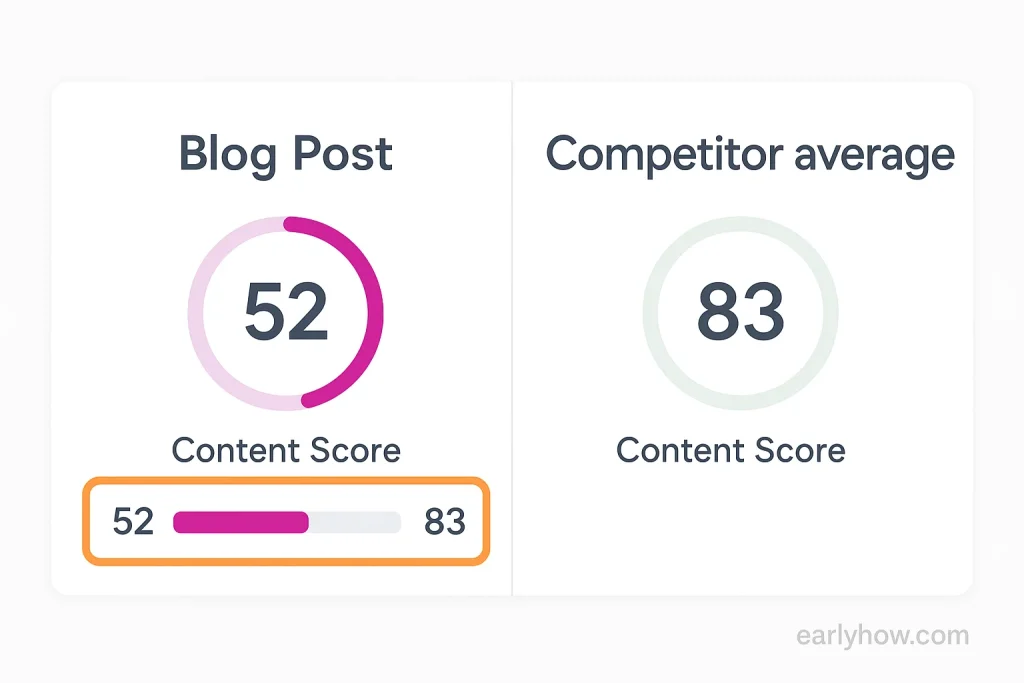
When I dropped my “YouTube cameras” post into the Content Editor, it gave me a content score of 52. Top-ranking competitors were averaging 78–83. That stung. It wasn’t just word count—it was structure, headings, missing phrases, context.
Turns out, I was flying blind.
Insight:
Surfer SEO doesn’t just guess—it benchmarks your post against real competitors. That live score bar? It’s not fluff. It pushes you to fill what your article should include. The lesson? A high content score isn’t the goal—it’s the SEO readiness baseline.
🔷 Lesson #2: Small Fixes Moved the Needle (Not Full Rewrites)
I always thought improving rankings meant rewriting entire sections. But all I did here was:
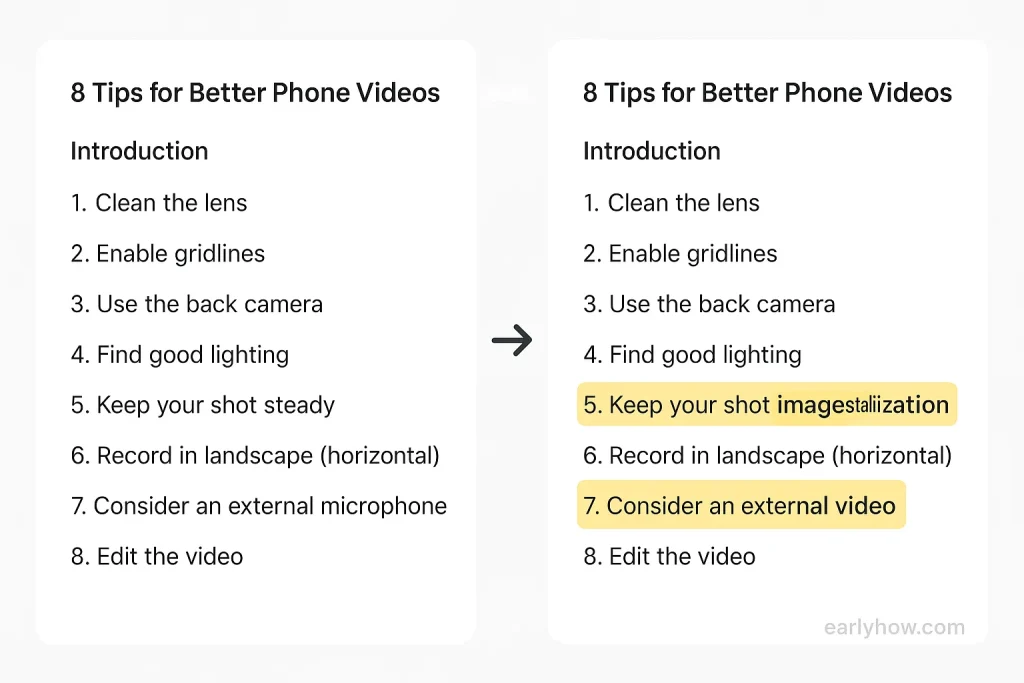
- Add 12 phrases Surfer suggested
- Mention things like “vertical video shooting” and “mirrorless camera”
- Restructure one heading to better reflect search intent
That was it. No AI generation. No starting over.
And yet—boom. Page 8 to page 4 in 14 days.
Insight:
Surfer’s suggestions are surgical. They guide you to insert the right terms in the right places. This isn’t about stuffing keywords—it’s about semantic alignment. And it works shockingly well.
📍 Explore the full Surfer SEO review here
🔷 Lesson #3: Not All Surfer Tools Are Worth Your Time
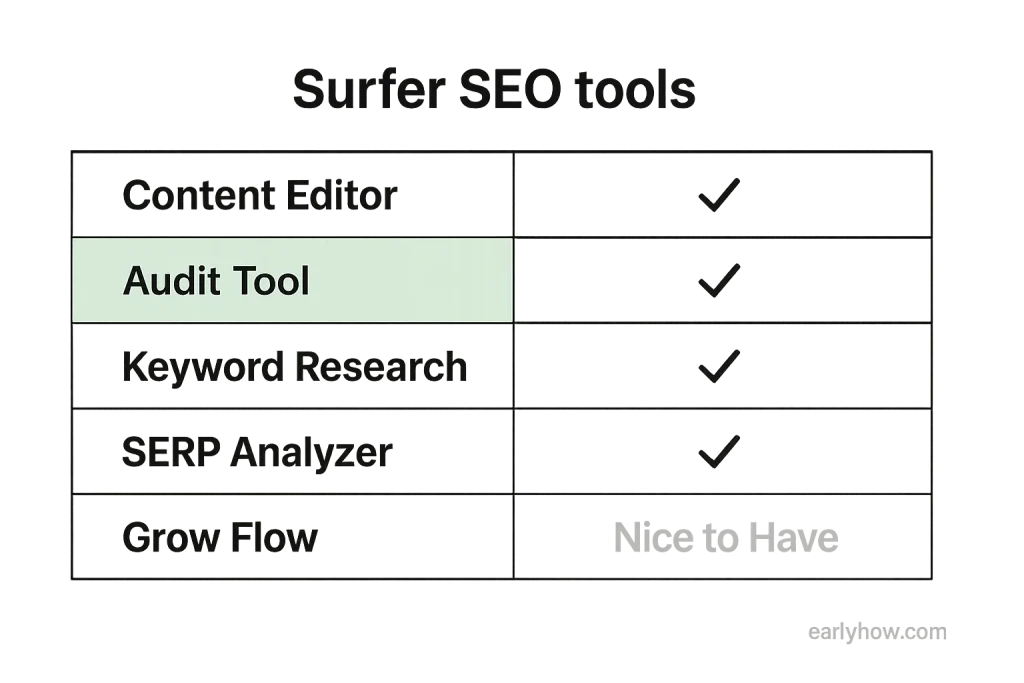
After the Content Editor, I explored the rest: Audit tool, Keyword Research, SERP Analyzer, Grow Flow.
They weren’t bad… but here’s the truth: every one of those has a better standalone tool. Ahrefs, Semrush, even free tools beat Surfer’s keyword module. The Audit tool felt redundant. Grow Flow? Meh.
The only one I reliably use is the Content Editor.
Insight:
Don’t get distracted by the all-in-one packaging. The real ROI comes from using Surfer SEO as a post-publish optimizer, not as your main SEO platform. Stack it with your current tools—don’t replace them.
🔷 Lesson #4: Importing Live URLs Is the Secret Move
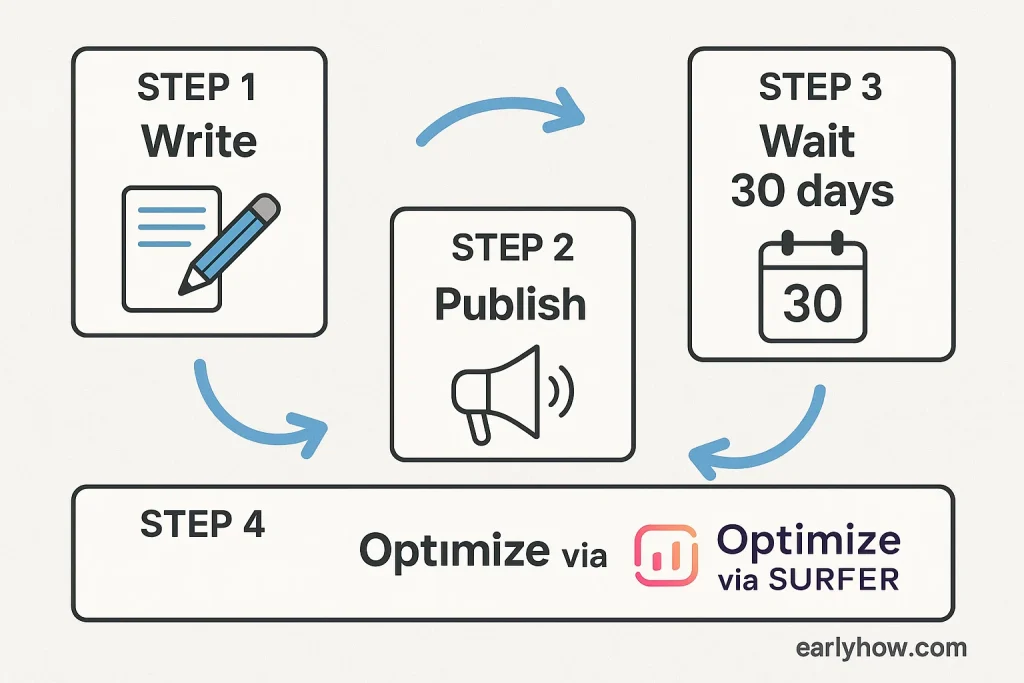
The “Write Yourself” or “AI Write” options felt unnecessary to me. What clicked was this: I write my post normally → publish → wait a month → then paste the URL into Surfer.
It pulls everything in and shows me what I missed. After I’ve gotten some real-world ranking data. That combo? Lethal.
Insight:
Surfer SEO works best when used after indexing, not before. Treat it like your content’s second draft—backed by actual SEO data. That’s when the insights really shine.
✅ FAQ – Surfer SEO AI Tool
Q. What is Surfer SEO used for?
A. Surfer SEO is primarily used to optimize existing blog content for on-page SEO by analyzing top-ranking pages and suggesting improvements.
Q. Do I need to rewrite my blog posts for Surfer SEO to work?
A. No. In most cases, small adjustments like adding key phrases and reorganizing structure are enough to see improvements.
Q. Is Surfer SEO good for beginners?
A. Yes. Its Content Editor is intuitive and shows step-by-step what to fix. Beginners can follow it without needing deep SEO knowledge.
Q. How does Surfer SEO compare to tools like Frase or Clearscope?
A. Surfer SEO is more focused on real-time competitor data and content scoring, while Frase and Clearscope lean into AI content generation and topic coverage.
Q. Can Surfer SEO replace Ahrefs or Semrush?
A. Not really. Surfer is best used alongside those tools. It doesn’t replace full keyword research or backlink tracking—it complements them during content optimization.
✅ 💬 What about you?
What’s your #1 struggle with content optimization?
Have you tried Surfer SEO—or are you still on the fence? Drop your story below. I read every single comment.